New in SyriaFor solar energy companies

An AI assistant that answers your customers on WhatsApp, day and night.

It asks customers what they want to run, gives them a first estimate from your own packages, and books a free site visit. You send the final quote with one tap.

  • The final price comes from you
  • Never promises hours of power
  • First 14 days free
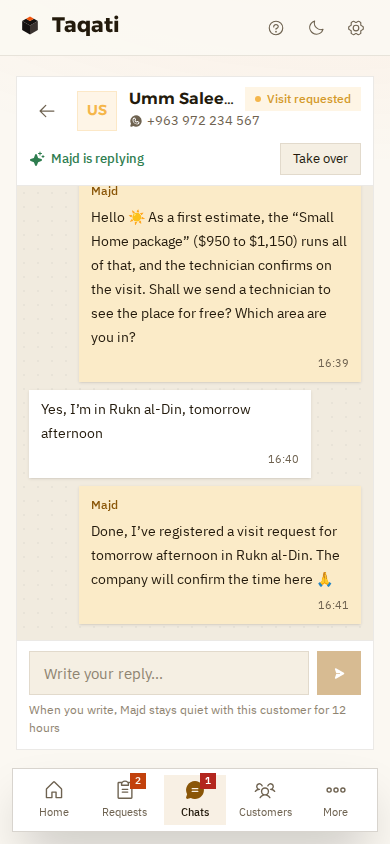
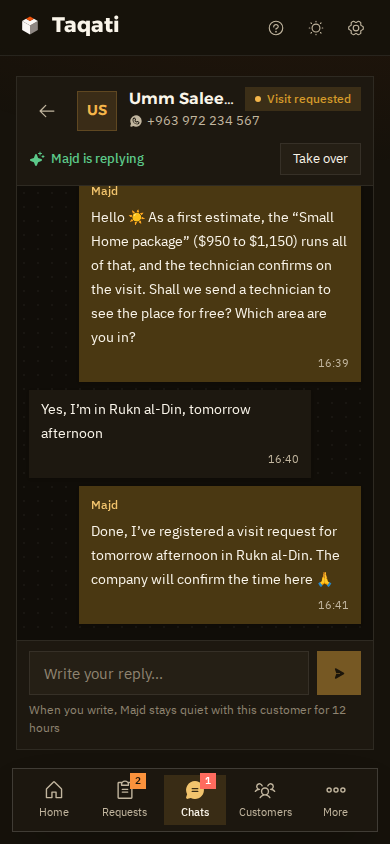
A WhatsApp chat on a phone: a customer wants to run her fridge, TV, router and lights, and Majd gives her a first estimate, the “Small Home” package, and books a site visit in Rukn al-Din Majd's chat with the customer on a phone, in dark mode
  • Day and nightAnswers every message, even at midnight.
  • First estimateFrom your packages and prices, never made up.
  • Free site visitHe takes the request; you confirm the time.
  • One tapAnd the quote is with the customer on WhatsApp.
AI assistant · new in Syria

A customer asked at 11 pm? He got a first estimate, and his visit request is waiting for you to confirm.

He answers on your company's own WhatsApp number, using the information you give him: your packages, parts, prices and warranties. You see every word, and you can step in whenever you want.

In the demo company the assistant is called “Majd”. You can name him whatever you like.

  1. Answers at night tooSomeone asking at 11 pm doesn't go to another company because nobody replied.
  2. Asks the right questionsWhat you want to run, for how many hours by day and by night, and what you use now: amps, a generator, batteries.
  3. Estimates from your catalogueHe suggests the package that fits, from your packages and at your price. He never makes up a price, a brand or a warranty.
  4. Always a “first estimate”And he tells the customer clearly: the technician confirms on the visit, and the final quote comes from the company.
  5. Never promises what he can't knowNo hours of power, no savings figures. Air conditioners and water heaters? The technician sizes a bigger system for those.
  6. Books the site visitHe takes the area, the name and a good time, and you confirm the appointment.
  7. Burning smell or sparks?He tells them to switch the system off and keep away until the technician arrives, and hands the chat to you straight away with a WhatsApp alert.
  8. Discounts are your callAny request for a discount, a special price or an installation date comes to you.
  9. Understands voice notesThe customer sends a voice note, and he understands it and replies.
  10. Take over any timeWrite yourself, from the app or your phone, and he goes quiet with that customer.
  11. Try him before you switch him onChat with him as if you were a customer, and see how he replies before he talks to anyone.
  12. Asks your company's questionsAfter the visit request: home or shop, is there a roof, which floor… and the answers show up on the request.
From the demo company

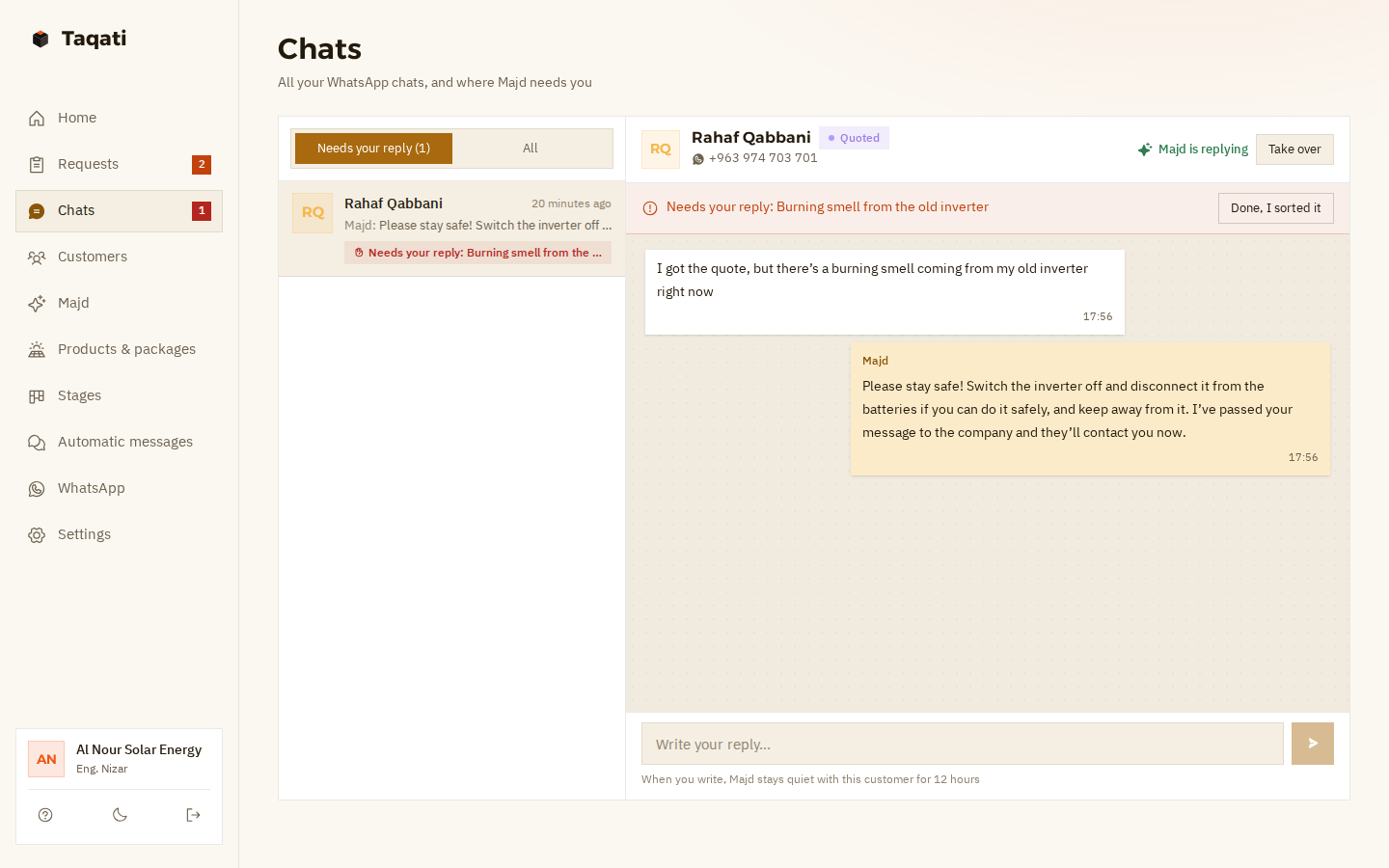
“There's a burning smell from the inverter”? No estimates and no selling here.

Anything dangerous, or a fault in an installed system: the assistant doesn't decide for you. Here's what he does:

  1. He tells the customer to switch the inverter off and disconnect it from the batteries if they can do it safely, and to keep away from it.
  2. The chat is marked “Needs your reply”, and you get a WhatsApp alert.
  3. You tap “Take over” and carry on yourself, or send the technician.
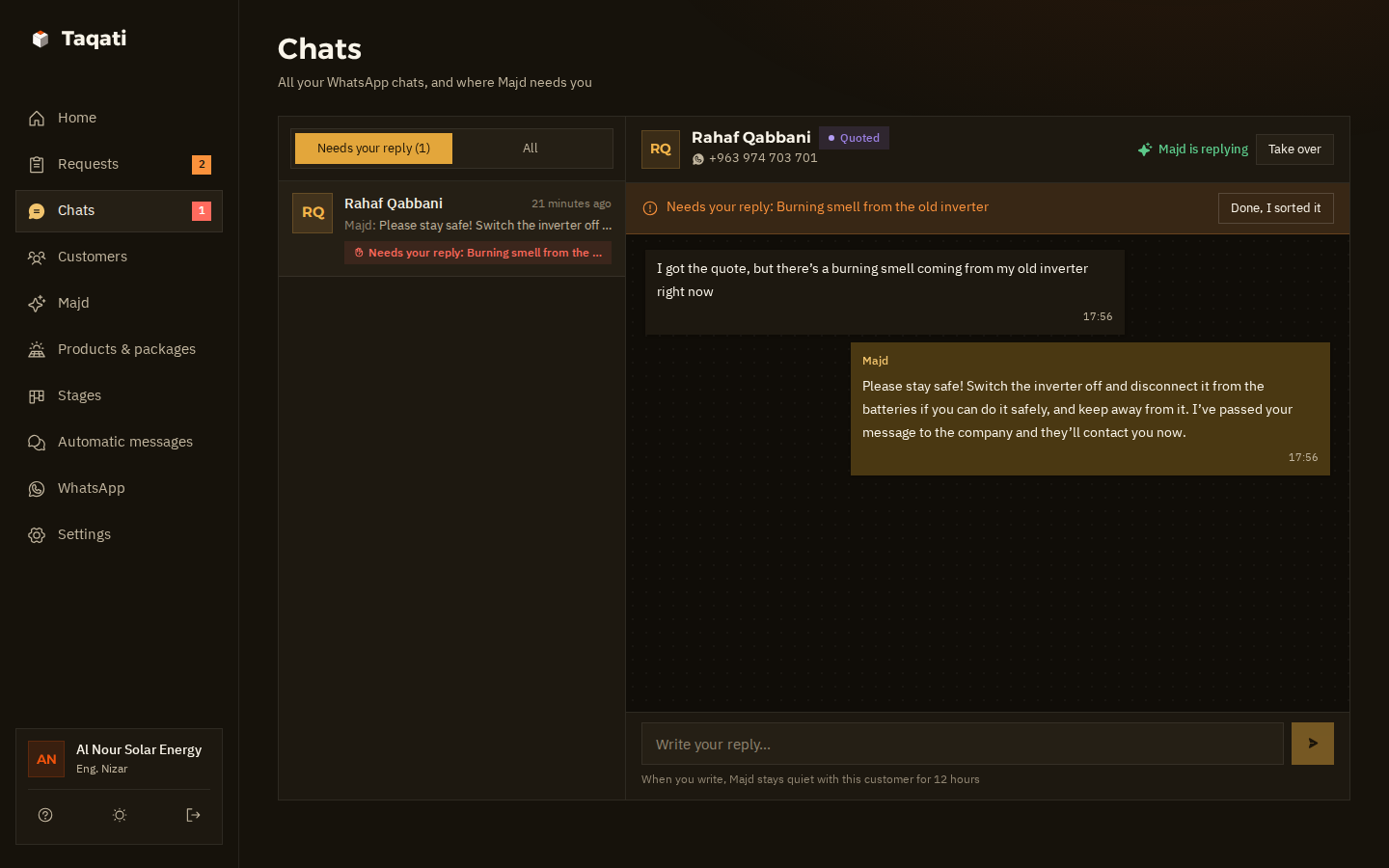
The chats page: a customer says there's a burning smell coming from her old inverter; Majd tells her to switch it off and keep away and hands the chat to the company, marked “Needs your reply” with a “Take over” button The chats page in dark mode, with the burning-smell chat handed to the company
From question to installation

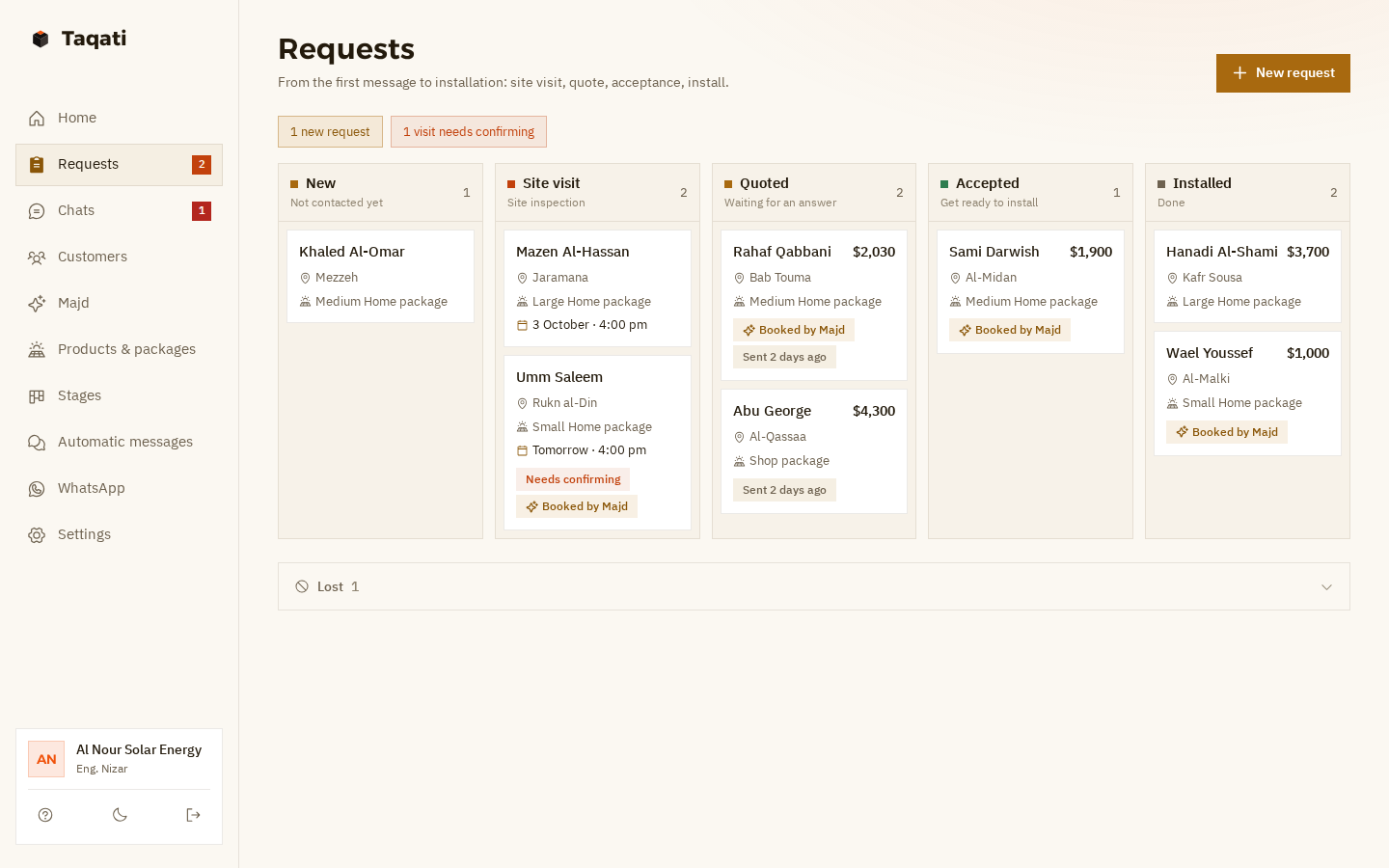
Every customer is a card, and every card moves until “Installed”.

One board with every request: who hasn't been contacted yet, who's waiting for a visit, who has a quote, and who said yes.

  1. 1NewA customer asked, and the assistant found out what they want to run and where they are.
  2. 2Site visitThe technician sees the place. You confirm the time.Reminder the day before
  3. 3QuotedFrom your catalogue, sent on WhatsApp with one tap.Automatic follow-up
  4. 4AcceptedReady to install, and you know who's next in line.
  5. 5InstalledAnd the customer stays with you: a thank-you, a check-in, and panel cleaning.Automatic messages
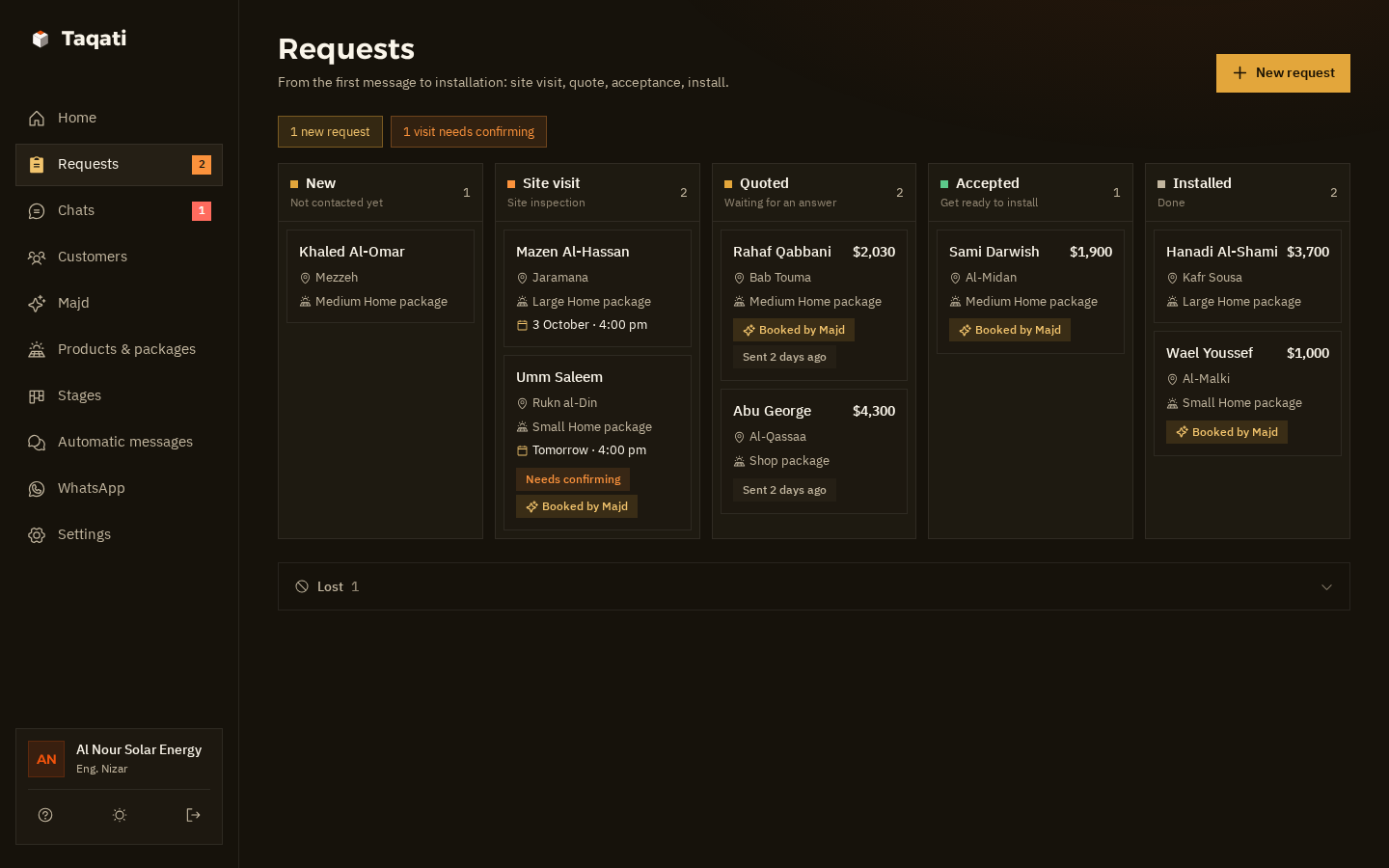
Taqati's requests board: five columns, New, Site visit, Quoted, Accepted and Installed; each card shows the customer's name, area, package and price, with tags like “Booked by Majd”, “Needs confirming” and “Sent two days ago” The requests board in dark mode, with its five columns
“Booked by Majd” on every request the assistant brought in, and “Needs confirming” on the visits waiting for you.
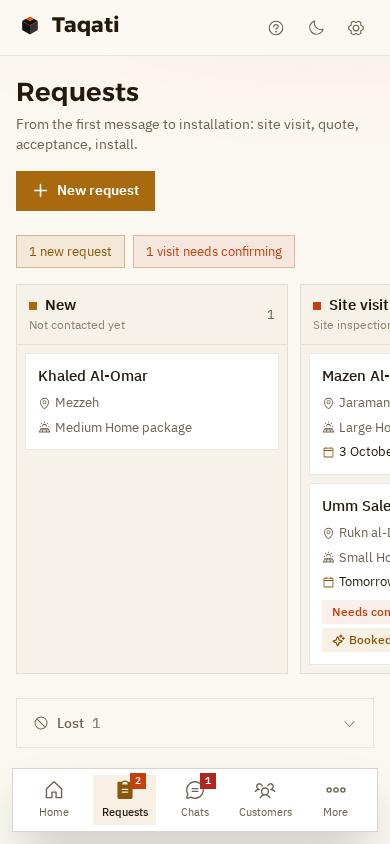
The requests board on a phone: a New column and a Site visit column, with a visit marked “Needs confirming” The requests board on a phone in dark mode
And from your phone too.
The quote

After the visit, the quote comes from your catalogue and reaches the customer in one tap.

Pick the package and parts from your catalogue, change the quantity or price if you need to, and the total adds itself up. Tap “Send quote” and it reaches the customer on WhatsApp in your company's name, and the request moves to “Quoted”.

If they don't reply, a follow-up goes out after two days, and another after six.

Automatic messages

From the day before the visit to six months after installation, the messages go out on their own.

With the customer's name and your company's name, right on time. You don't write a single one, and you can change the wording however you like.

  1. The day before the visitReminder, confirmed visits only

    Hi Khaled ☀️ A reminder from Al Nour: the technician is coming tomorrow at 4:00 to see the place and work out your system. If anything changes, just reply here.

    Nobody forgets the technician's visit
  2. Two days after the quoteFirst follow-up

    Hi Khaled ☀️ Have you had a chance to look at the quote? If you have any questions or want changes, let us know.

    The reply comes to you, or the assistant answers it
  3. Six days after the quoteSecond follow-up

    Khaled, the quote is still valid. If you'd like to book an installation date, just send us a message.

    Stops by itself once they accept
  4. Installation dayWhen you move it to “Installed”

    Congratulations, Khaled ☀️ Thank you for trusting Al Nour. If you notice anything with the system, message us here.

    The first message after installation, right on time
  5. A week later“How's it running?”

    Hi Khaled, how's the system working for you? Are the batteries lasting through the night?

    The customer feels you're still there
  6. Six months laterPanel cleaning

    Hi Khaled ☀️ It's time to clean your panels. Dust cuts their output. Shall we send someone over?

    New work for you, from an old customer

And with every new installation. If the same customer comes back and installs another system, the after-installation messages start over.

Catalogue

Your packages, parts and prices, and the assistant works from them.

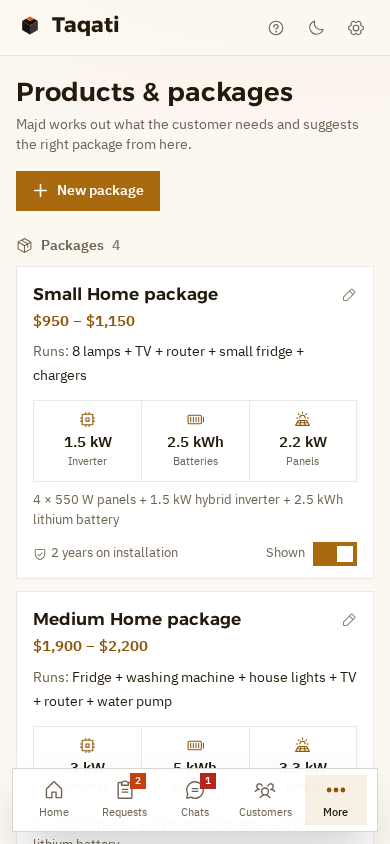
Each package lists what it can run, and the size of its inverter, battery and panels. The assistant picks from them and never invents anything.

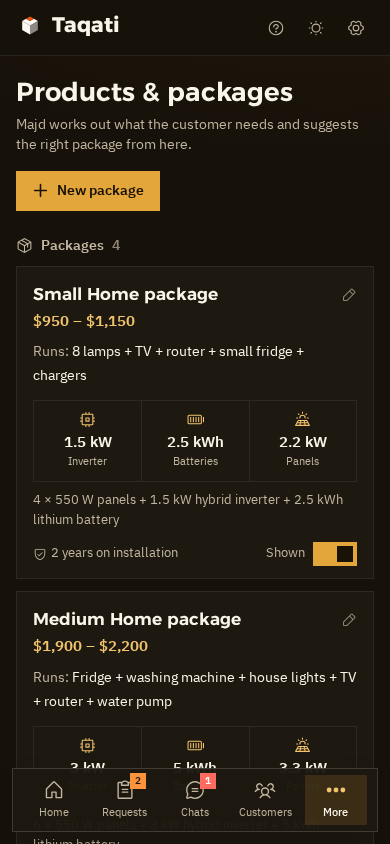
The catalogue on a phone: the Small Home package with its price, what it runs, and its inverter, battery and panel sizes The catalogue on a phone in dark mode
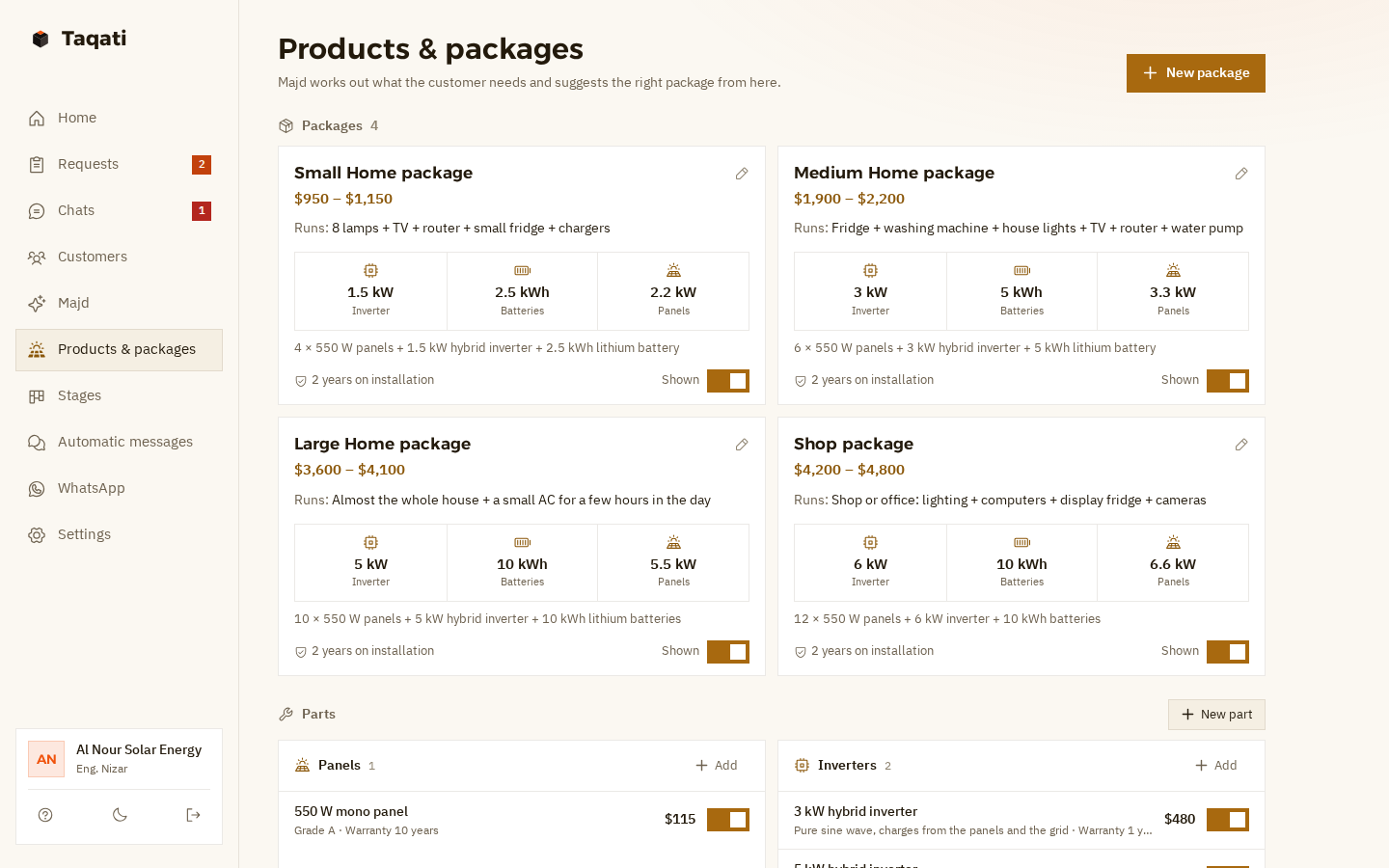
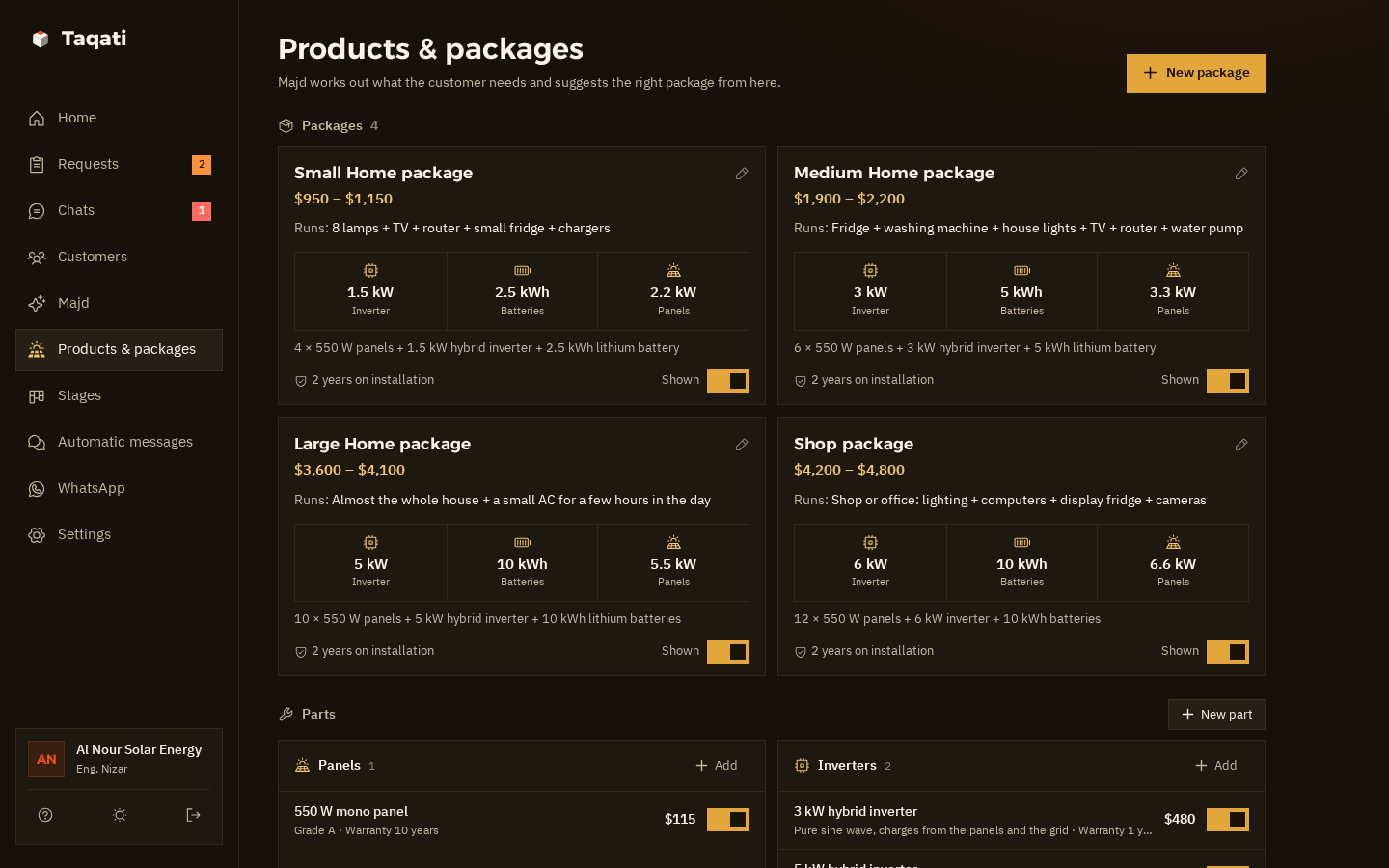
The products and packages page: four packages, Small, Medium and Large Home and Shops, each with a price range, what it runs, inverter, battery and panel sizes, warranty and a “Shown” switch, with parts below: panels and inverters The products and packages page in dark mode
  • PackagesA price range, what it runs, the inverter, battery and panel sizes, and the warranty.
  • Panels, inverters, batteriesEach part with its price, specs and warranty, for your quotes and for the assistant.
  • Shown or hiddenPackage out of stock? Switch it off with one tap, and the assistant won't suggest it.
  • Your company's formYour own questions. The assistant asks them after the visit request.Home or shop?Is there a roof?Which floor?What do you use now?
Also in the system

All your WhatsApp chats, in one place.

One inbox All your WhatsApp chats, with the ones that need your reply on top.
Today at a glance New requests, today's and tomorrow's visits, quotes waiting for an answer, and this week's installations.
Bring your old customers Upload an Excel file. Syrian numbers are understood however they were written.
Safe sending for your number Human-like gaps, a daily limit and “typing…” before each message, to keep your number safe.
Light on slow internet On a computer or on your phone, in English or Syrian Arabic, on Damascus time.
More than one number? Each extra WhatsApp number is $10 a month, and we add it for you.
Pricing

One price, everything included.

The same system for small and large companies, with the AI assistant included.

Taqati

New in Syria
$50a month

The whole system, plus an AI assistant that answers and books site visits for you.

  • Catalogue: packages, panels, inverters and batteries, with prices and warranties
  • Requests board, and quotes from your catalogue sent on WhatsApp in one tap
  • Visit reminders, quote follow-ups, a thank-you and panel cleaning
  • All your WhatsApp chats in one place, plus import from Excel
  • An assistant that answers customers day and night
  • Asks what they want to run, and gives a first estimate from your packages
  • Takes site visit requests that you confirm
  • Safety issues, faults and discount requests come to you
  • Understands voice notes; try him before you switch him on, and take over any time
Talk to Sham

First 14 days free, on your real account

Each extra WhatsApp number $10 a month

Monthly payment, arranged directly with the Muhkam team

Questions

Questions from solar company owners

Another question? Ask Sham on WhatsApp. She replies in seconds.

01Do I need to be good with technology?
No. The Muhkam team opens your account. You link WhatsApp from your phone with a code or a QR, then add your packages, parts and prices. If you get stuck, Sham or the team will help you step by step.
02Does the assistant give a final price?
No. He gives a first estimate from your packages and prices, and tells the customer clearly: “first estimate, the technician confirms on the visit”. You set the final price after the visit: build the quote from your catalogue and send it on WhatsApp with one tap.
03How does he know which package fits?
He asks the customer what they want to run and for how many hours by day and by night. The system estimates the load from typical appliance use in Syria and picks the cheapest of your packages that covers it: an inverter bigger than the peak load, a battery that lasts the night, and enough panels for the usage. If no package is big enough, or there are heavy loads like air conditioners and water heaters, he tells them the technician will size a bigger system.
04What if a customer reports a fault or a danger?
A burning smell, sparks or a swollen battery: he tells them to switch the system off and keep away until the technician arrives, and hands the chat to you straight away. It's marked “Needs your reply”, and you get a WhatsApp alert. The same goes for any fault in an installed system, a complaint or a discount request.
05Can I reply myself at any time?
Of course. Take over any chat at any time, from the app or straight from your phone, and the assistant goes quiet with that customer. When you're ready, hand the chat back to him with one tap.
06How do I get started?
Talk to Sham on WhatsApp, and the Muhkam team will get in touch to open your account. Then you link the company number from your phone and add your packages, parts and prices. Before that, you can look around the demo company and see how everything works.
07How do I pay?
The first 14 days are free, on your real account. After that, payment is monthly and arranged directly with the Muhkam team: $50 a month with the AI assistant, plus $10 for each extra number. We'll agree on how you pay when we set up your account.
08Does it work on a weak connection?
Yes. The app is light and built for slow internet. Messages and replies are sent from our side as a linked WhatsApp device, so they go out even if your phone is off or your connection is weak. Just let your phone connect to the internet every few days, because WhatsApp unlinks devices when the phone stays offline for a long time.
Team

The team behind Taqati.

A small team from Muhkam, half human and half AI, with one job: making sure no customer asking about solar slips away from your company.

Qusai

Founder · Muhkam

Sits down with solar company owners, listens to what's wearing them down, and decides what we build next.

Blaze

Systems engineer AI

Builds and improves Taqati every day: requests, the catalogue, quotes, the assistant and the reminders.

Sham

Sales & support AI

Answers you day and night, explains the system, signs you up, and if you get stuck, sorts it out with you.

Chat with her →

Louay

Co-founder · Growth in Syria

Brings Taqati to solar companies across Syria, close to them on the ground, and stays with you from day one until everything runs smoothly.

Get your account

Talk to Sham on WhatsApp.

Sham is Muhkam's AI assistant on WhatsApp. Ask her anything about Taqati, and when you're ready to start, she takes your details and the Muhkam team gets in touch to open your account.

  • Replies in seconds, in English or Syrian Arabic.
  • She's a live example of the assistant that will answer your customers.
  • You can ask to speak to someone from the team at any time.
S
ShamOn WhatsApp · +963 968 317 581
Hi, I have a solar installation company. How can Taqati help me?21:04
ShamHi 👋 Taqati keeps your customers' requests in order, from the first question all the way to installation, and you send quotes on WhatsApp with one tap. There's also an AI assistant that answers day and night, gives a first estimate from your packages and takes visit requests, and you confirm them. What's your name, and what's your company called?21:04